Parts Implemented by Fatih Budak
1 Visitor/Registered User Perspective
Visitors can see most of the content, while registered users can see voting system as well
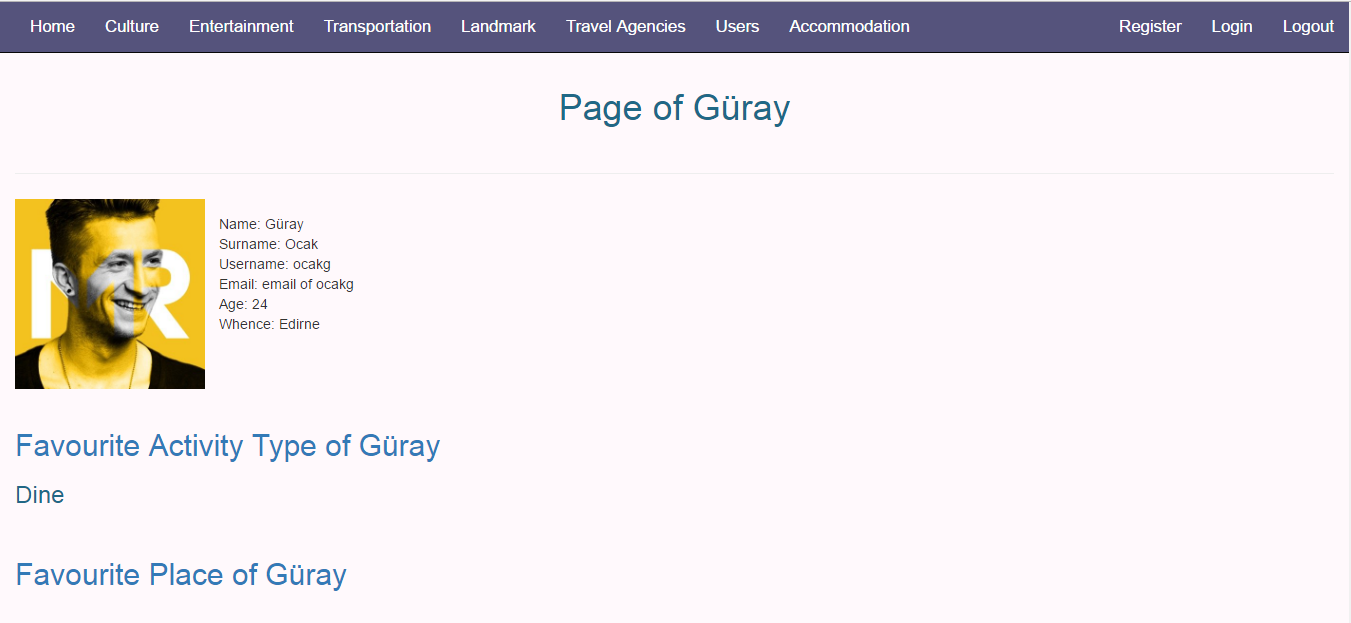
1.3 User Page
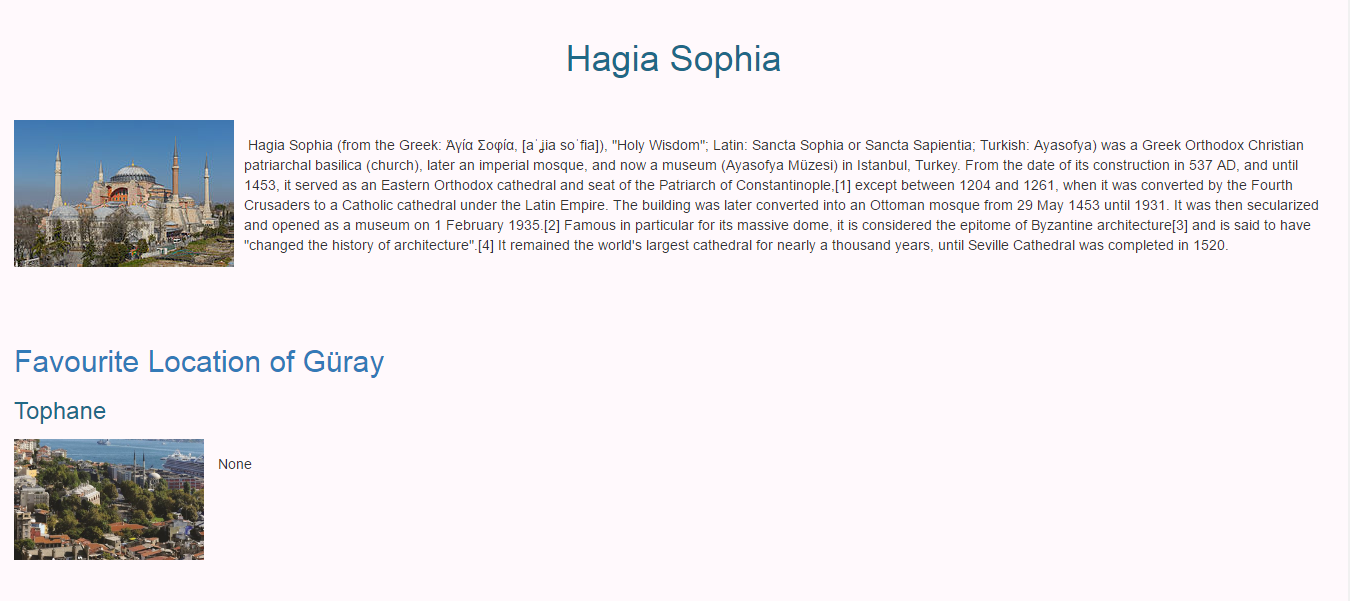
User pages show profile of each user. Their profile includes private information and favourite place, favourite activity and favourite location
1.3.1 Main Page
If users click favourite activity, favourite location and favourite place of the user, they go to activiy, location, and place pages
1.4 Landmark Page
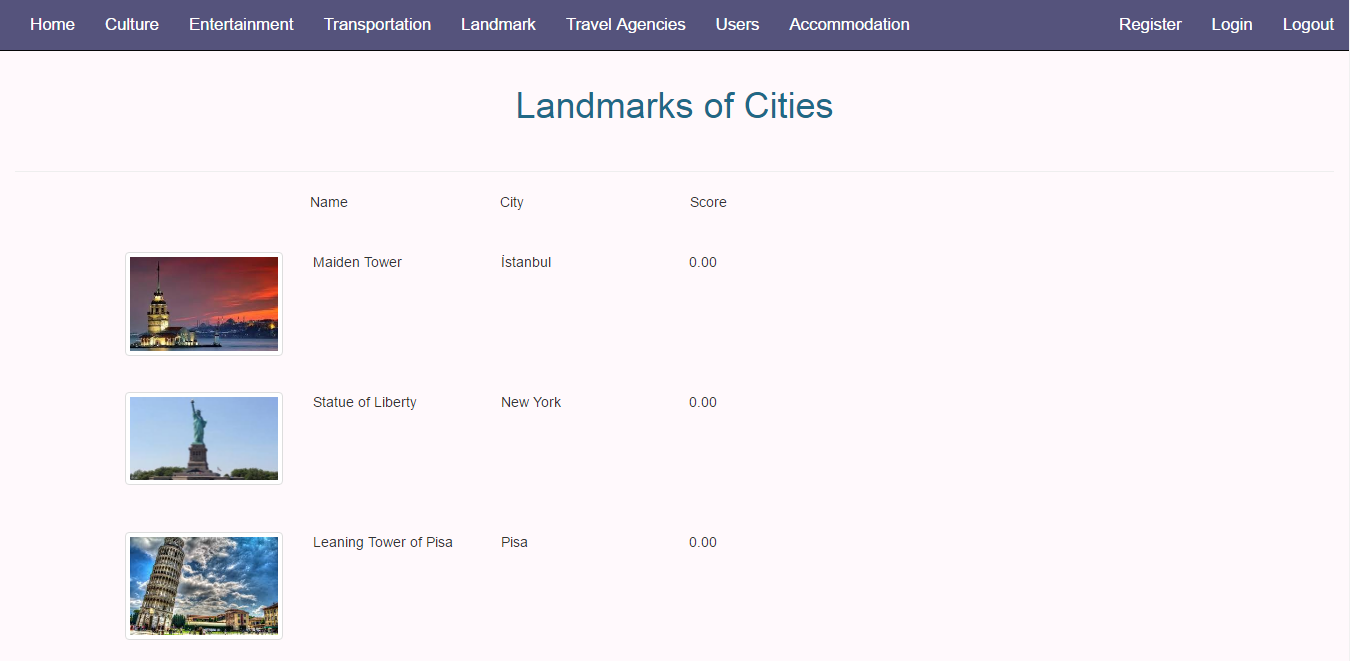
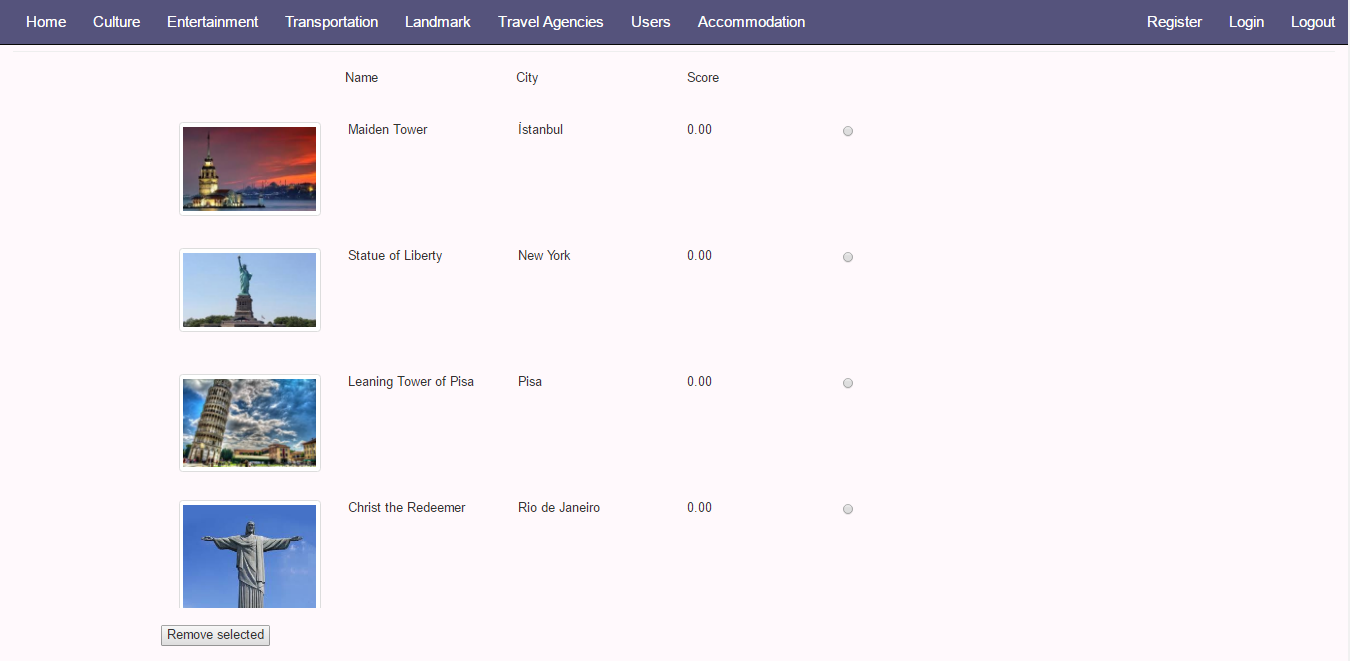
Landmark pages show list of landmarks, their photos, names, cities and scores
1.4.1 Main Page
Users can click on images of landmarks so as to reach their detailed information pages about landmarks
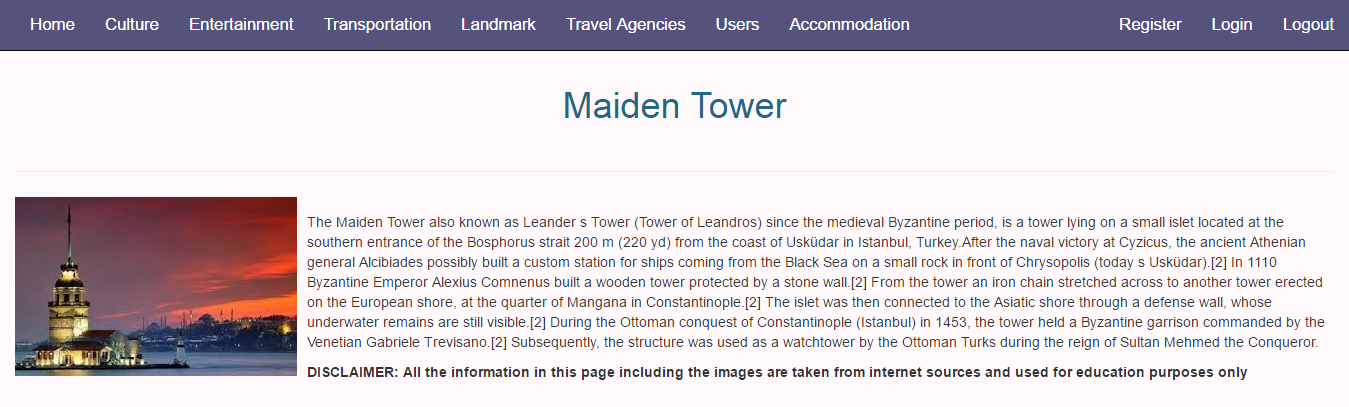
1.4.2 Details Page
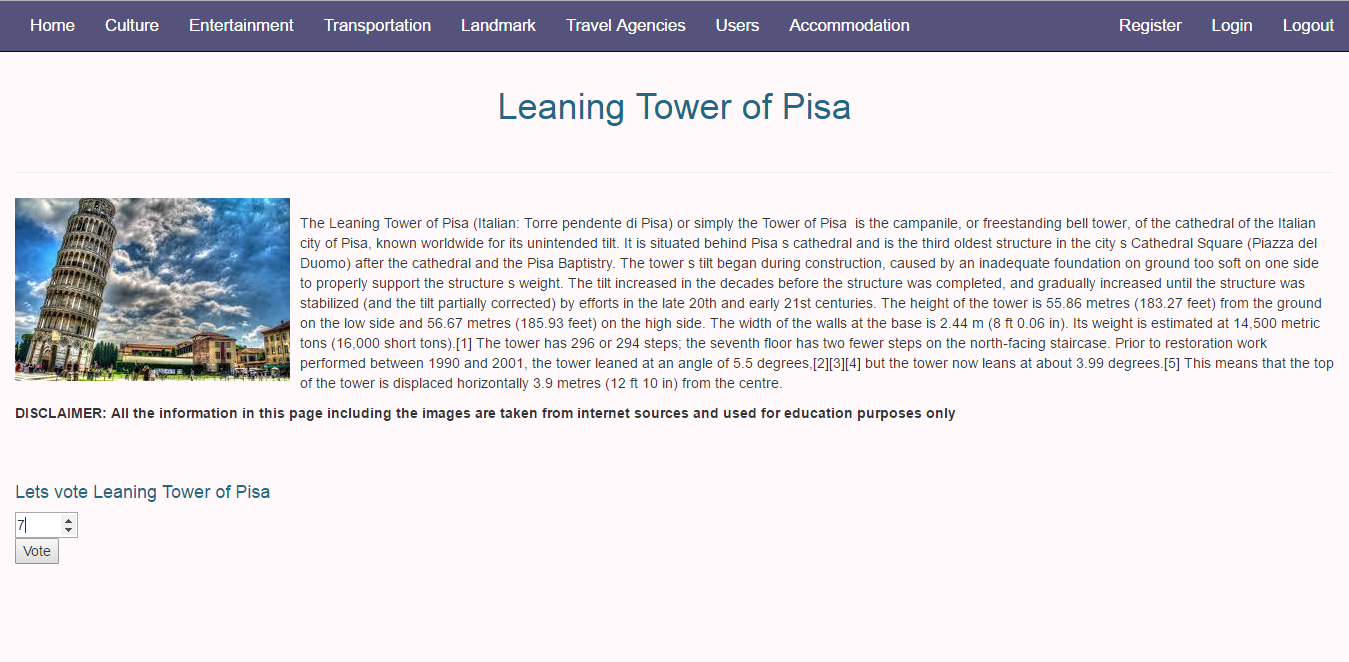
In details page, information about landmark are revealed.
1.4.3 Voting
In order to reveal voting section, the user must be login in as a registered user of the site.
1.5 Travel Agency Page
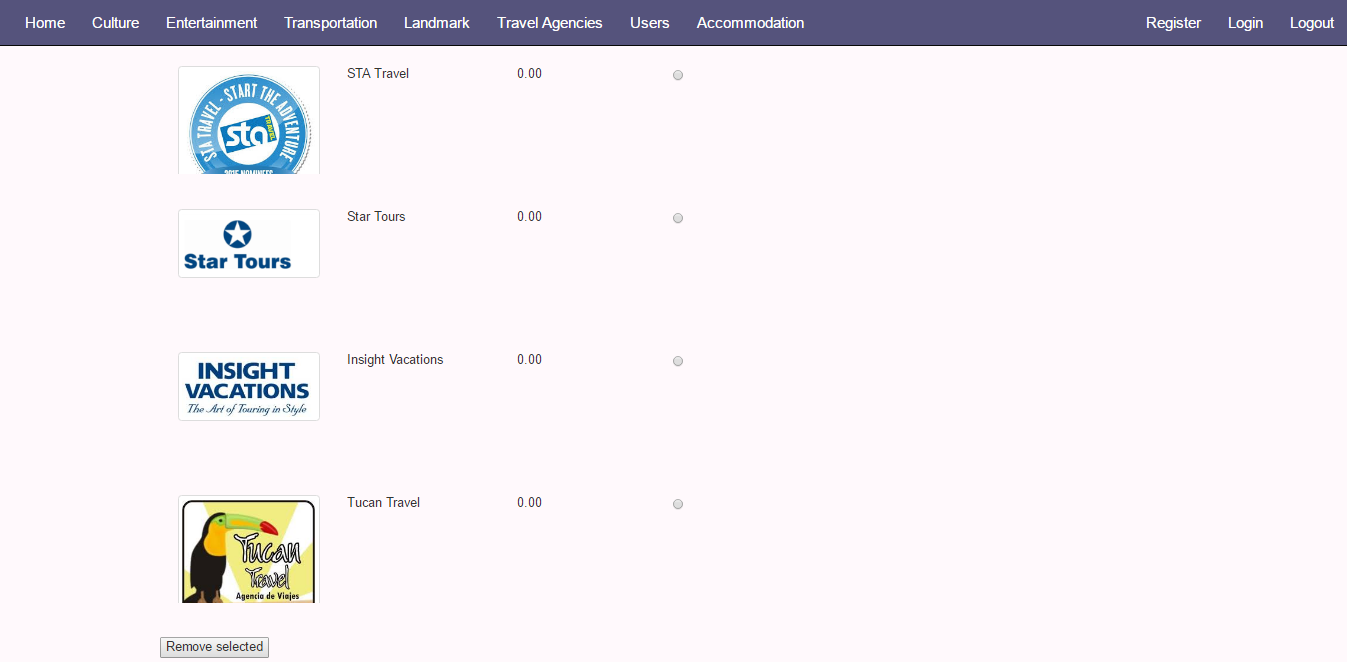
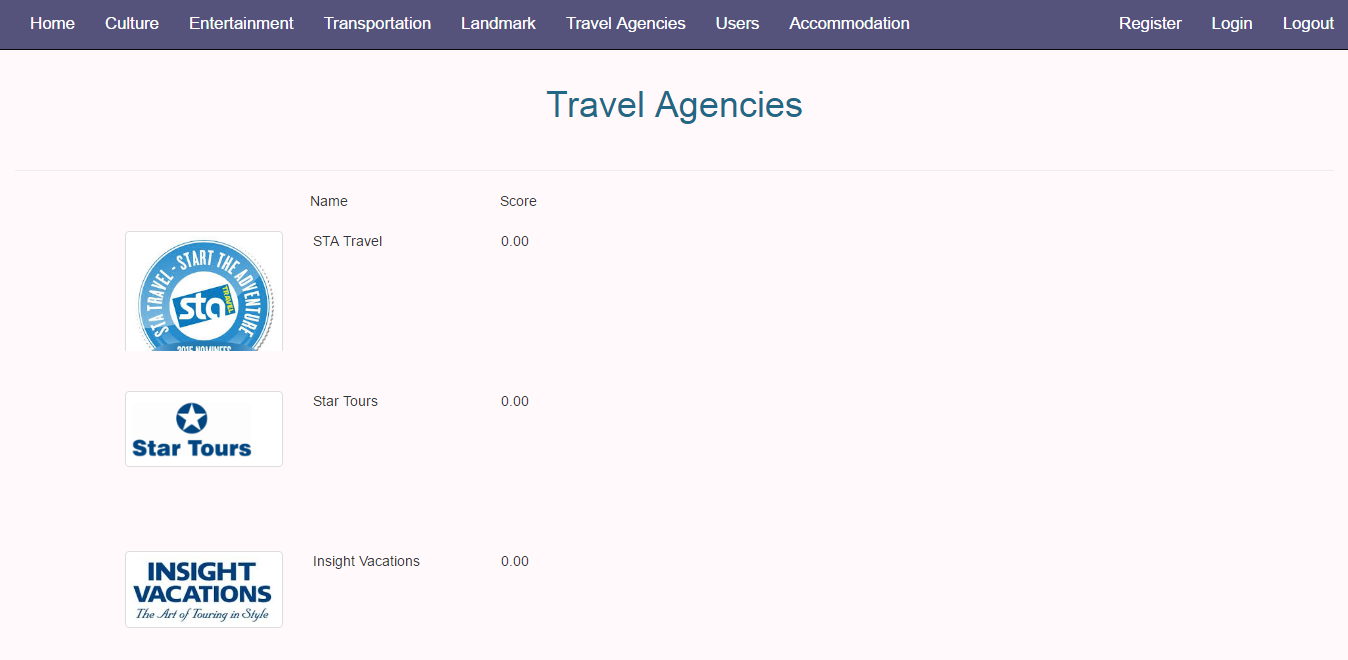
Travel agency page show list of travel agencies, their names and scores
1.5.1 Main Page
Users can click on images of agencies so as to reach their detailed information pages about agencies
1.5.2 Details Page
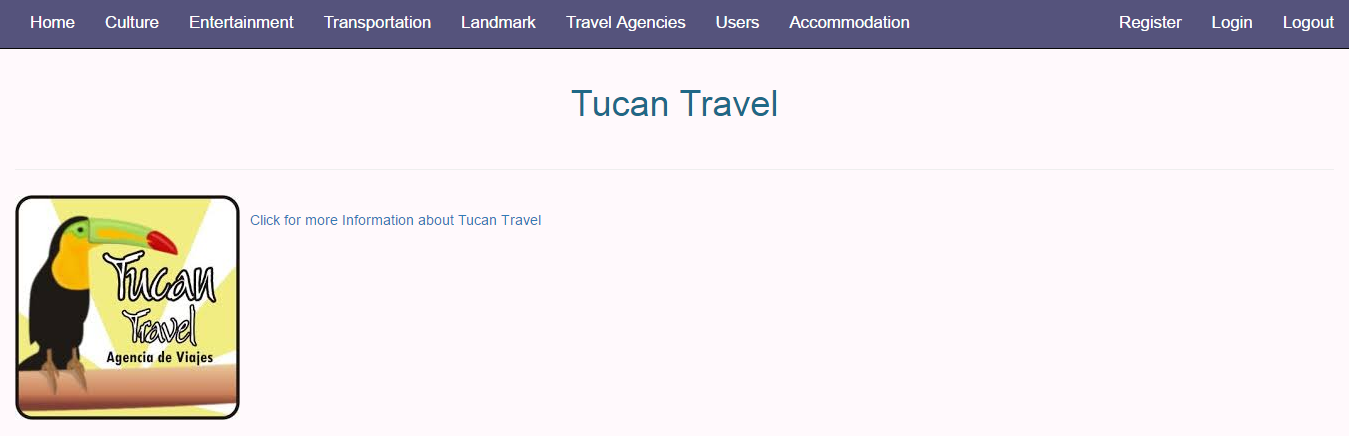
In details page, information about agency are revealed.
1.5.3 Voting
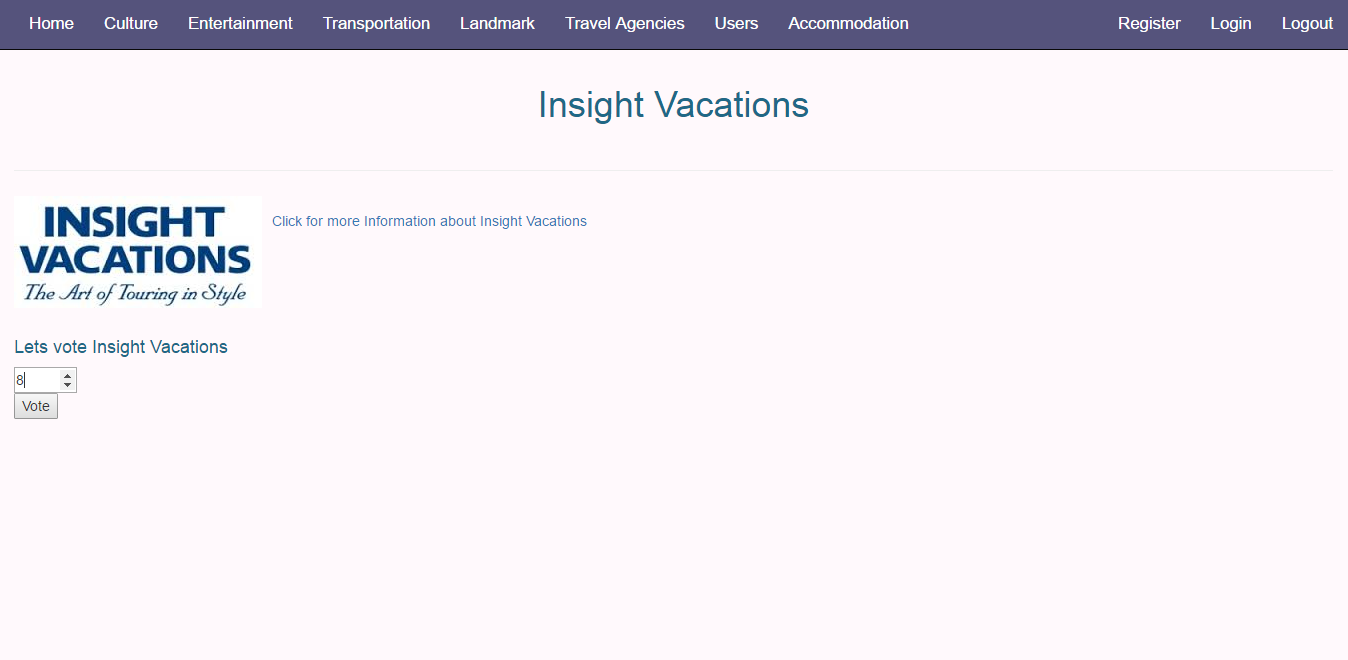
In order to reveal voting section, the user must be login in as a registered user of the site.
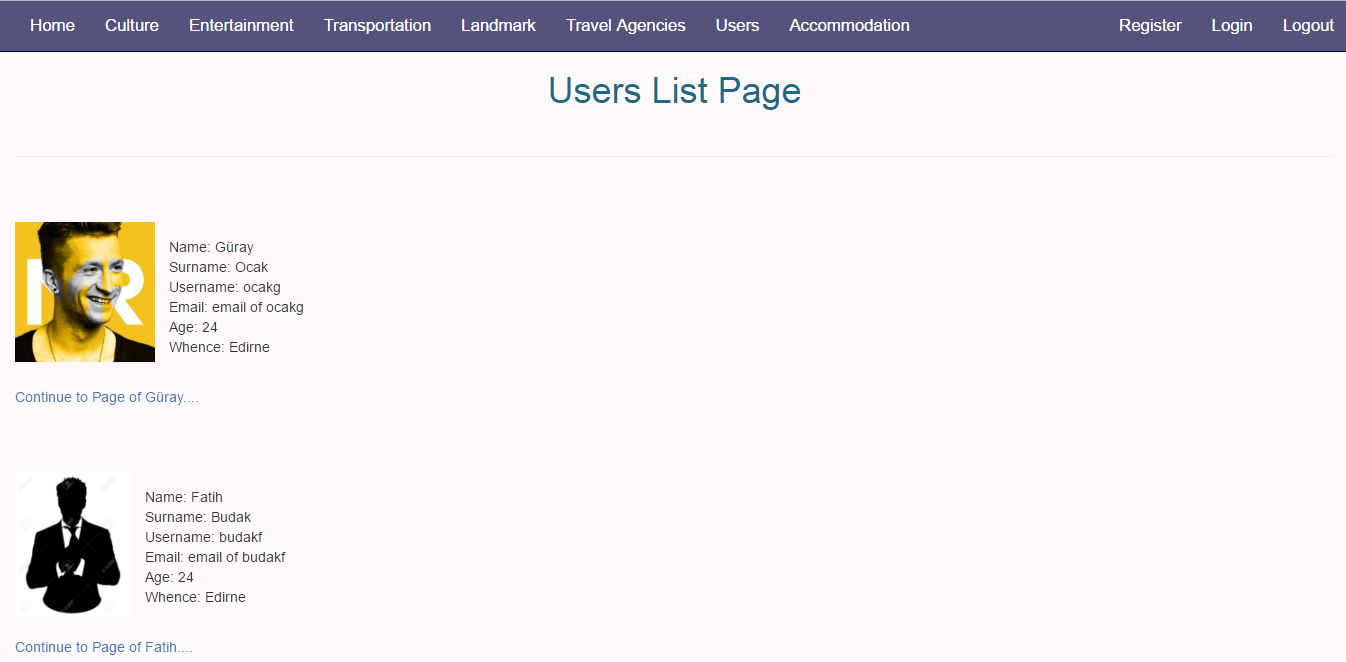
1.6 Users List Page
Users List page lists some registered user on web site as a sample.
2 Admin Perspective
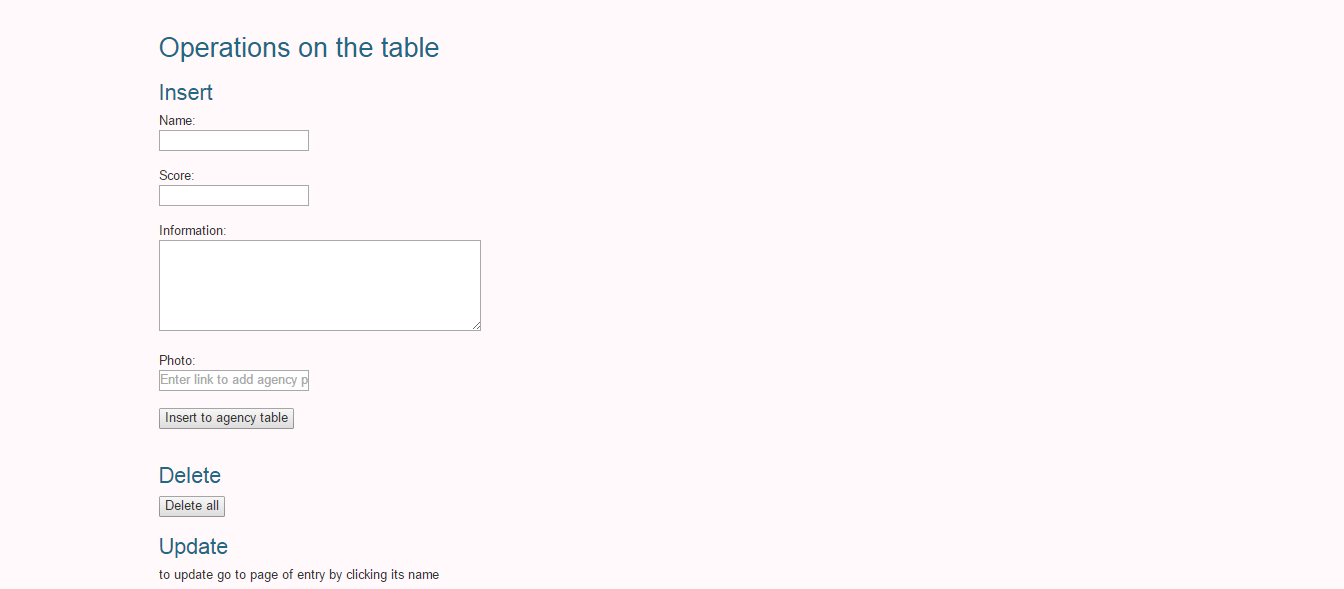
Admin can add and delete any entry from main page interfaces, to update he/she must be in details pages
2.1 Landmark Page
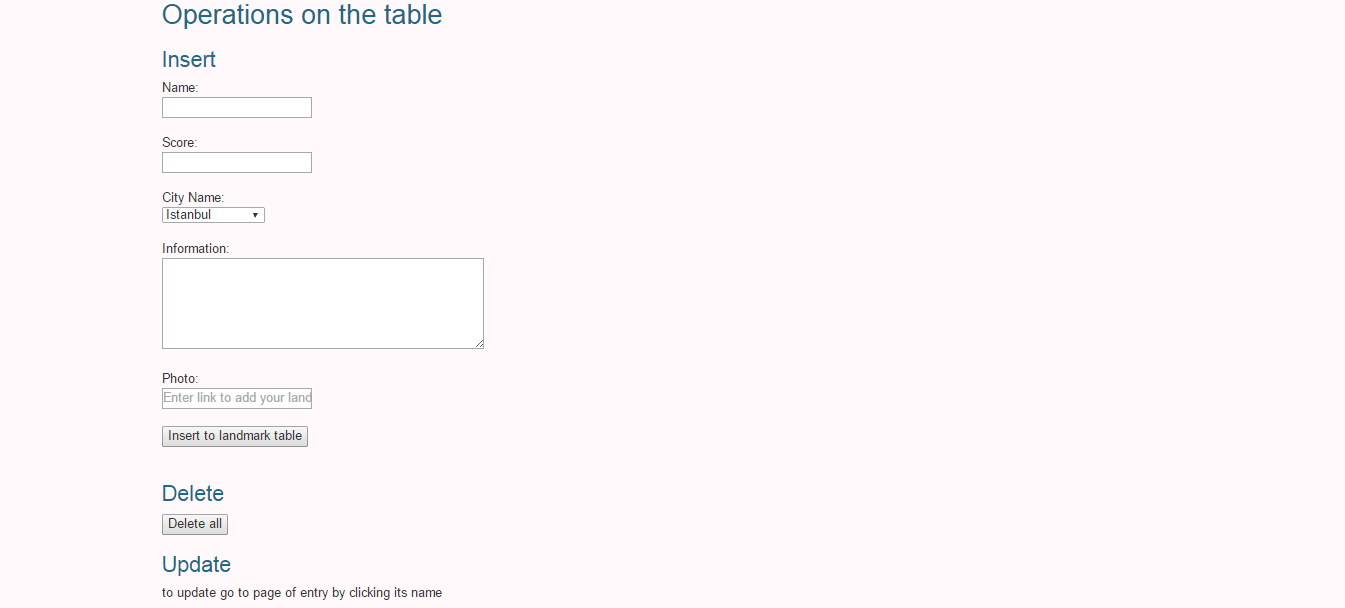
In order to insert an landmark the admin must provide a name, other columns are optional
To delete wanted landmark should be selected by the radio button, then remove selected button should be clicked
To delete all rows of the table, the admin can click delete all button at the bottom of this page
2.2 Travel Agency Page
In order to insert an travel agency the admin must provide a name, other columns are optional
To delete wanted travel agency should be selected by the radio button, then remove selected button should be clicked
To delete all rows of the table, the admin can click delete all button at the bottom of this page