Parts Implemented by Mehmet Tankut Özen
1 Visitor/Registered User Perspective
Visitors can see most of the content, while registered users can see voting system as well
1.1 Activities Page
Activity pages show list of activities, their photo representation and type of activity
1.1.1 Main Page
Users can click on images of activities in order to reach their detailed information pages
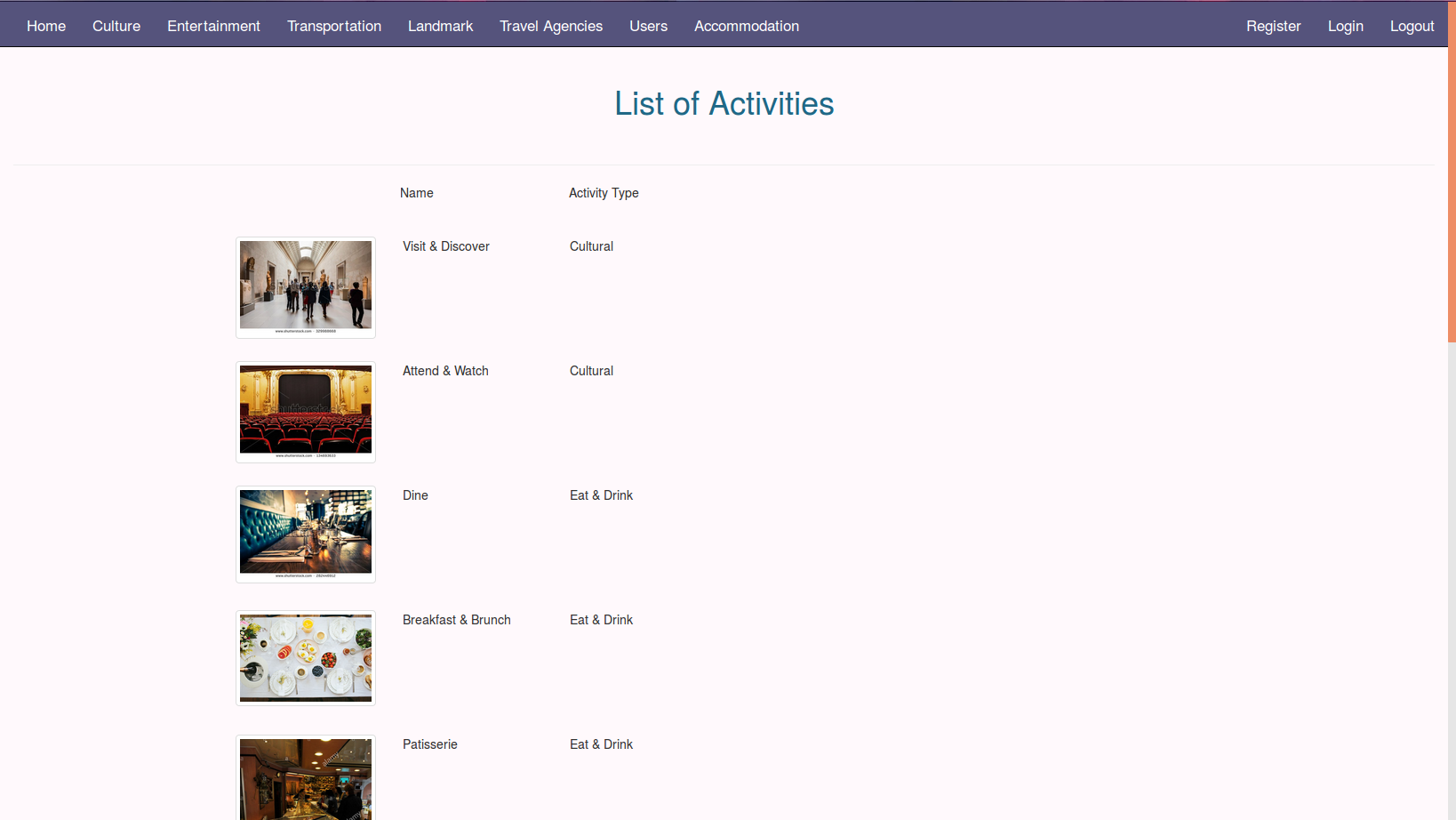
Activities Main Page
1.1.2 Details Page
In details page; information about activities are revealed. Also updating all the information about the selected activity can be done here
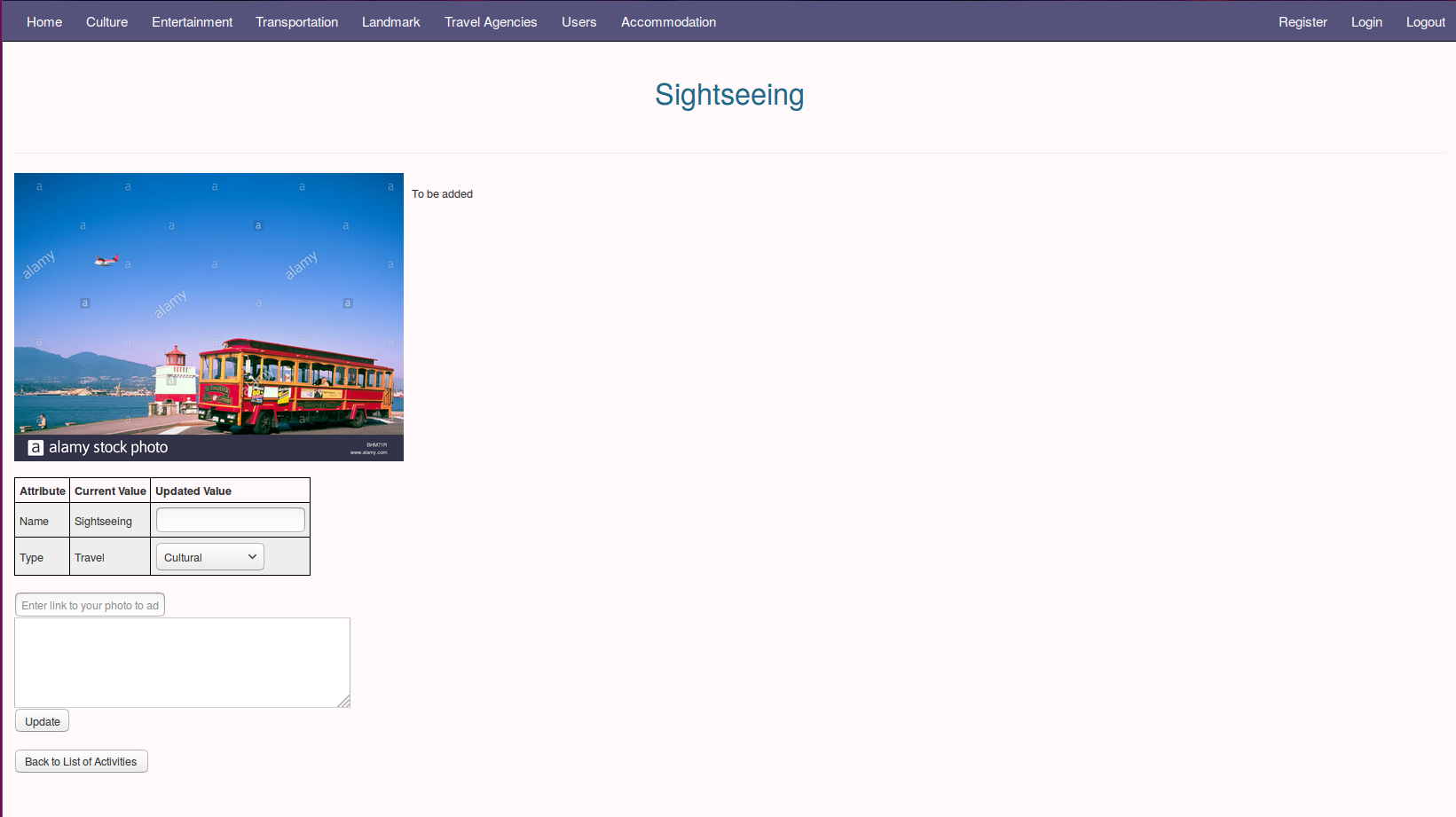
Activities Details Page
1.2 Culture Page
Culture pages show list of cultural places, their photo, their main activity, country/city they belong to and their score
1.2.1 Main Page
Users can click on images of cultural places in order to reach their detailed information pages, also it is possible to reach activities main page as well as activities details page from this interface by clicking their name.
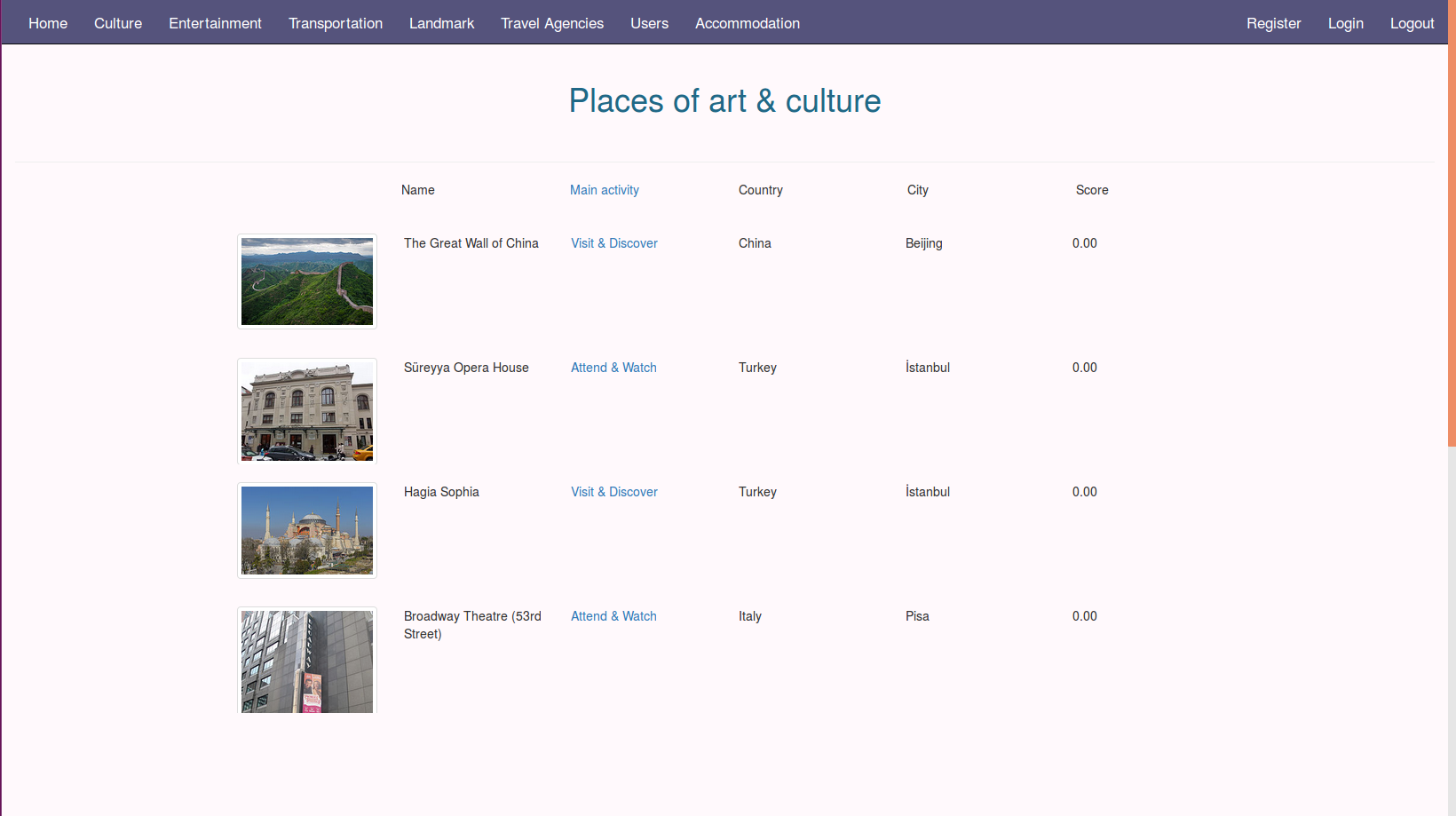
Culture Main Page
1.2.2 Details Page
In details page; information about cultural places are revealed. Also updating all the information about the selected cultural place can be done here.
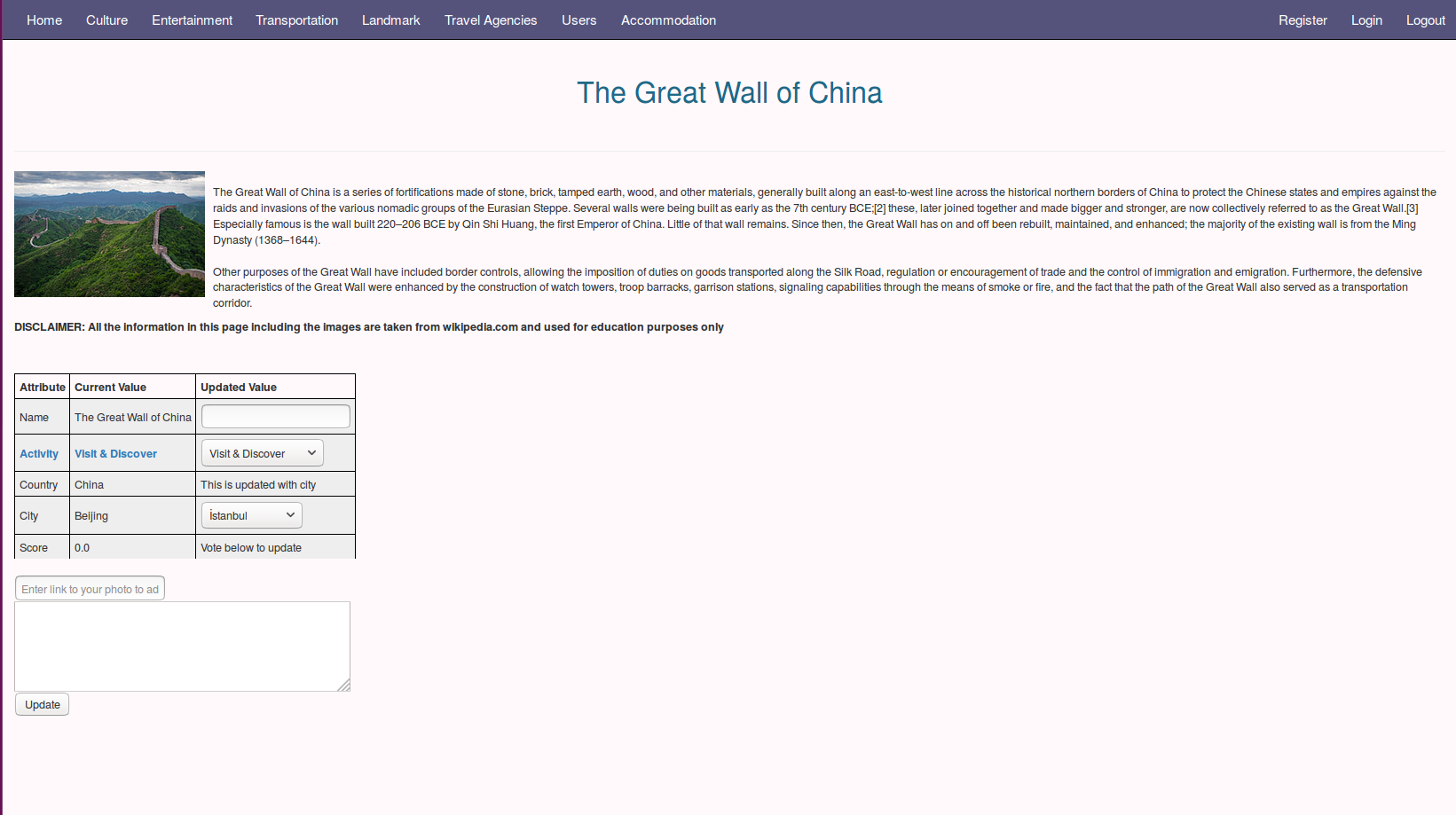
Culture Details Page
1.2.3 Voting
In order to reveal voting section, the user must be login in as a registered user of the site.
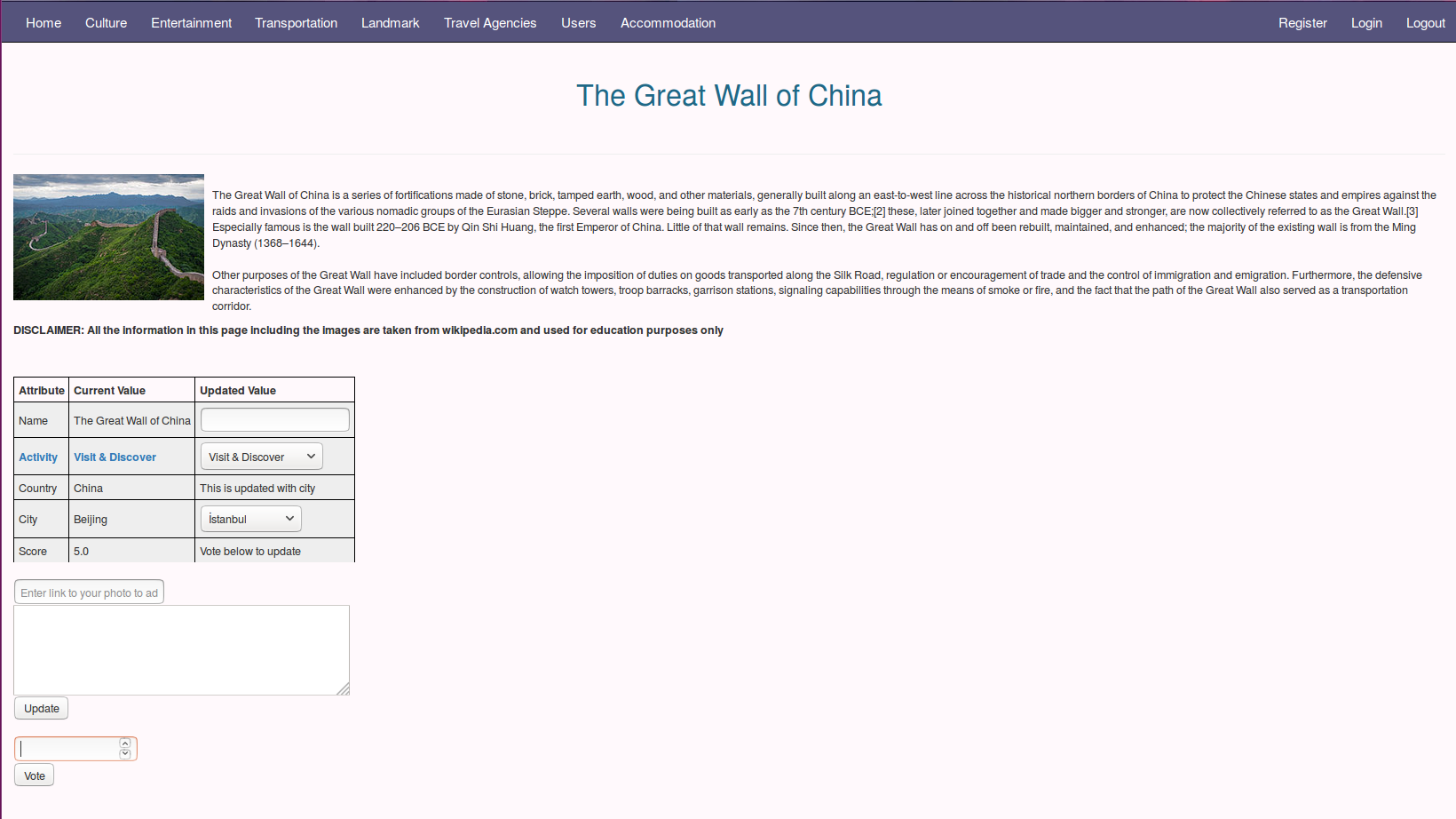
Culture Voting System
1.3 Accommodation Page
Accommodation pages show list of accommodation places, their type, country/city/district they belong to and their score
1.3.1 Main Page
Users can click on images of accommdation places in order to reach their detailed information pages, also it is possible to reach location main page as well as location details page from this interface by clicking their name.
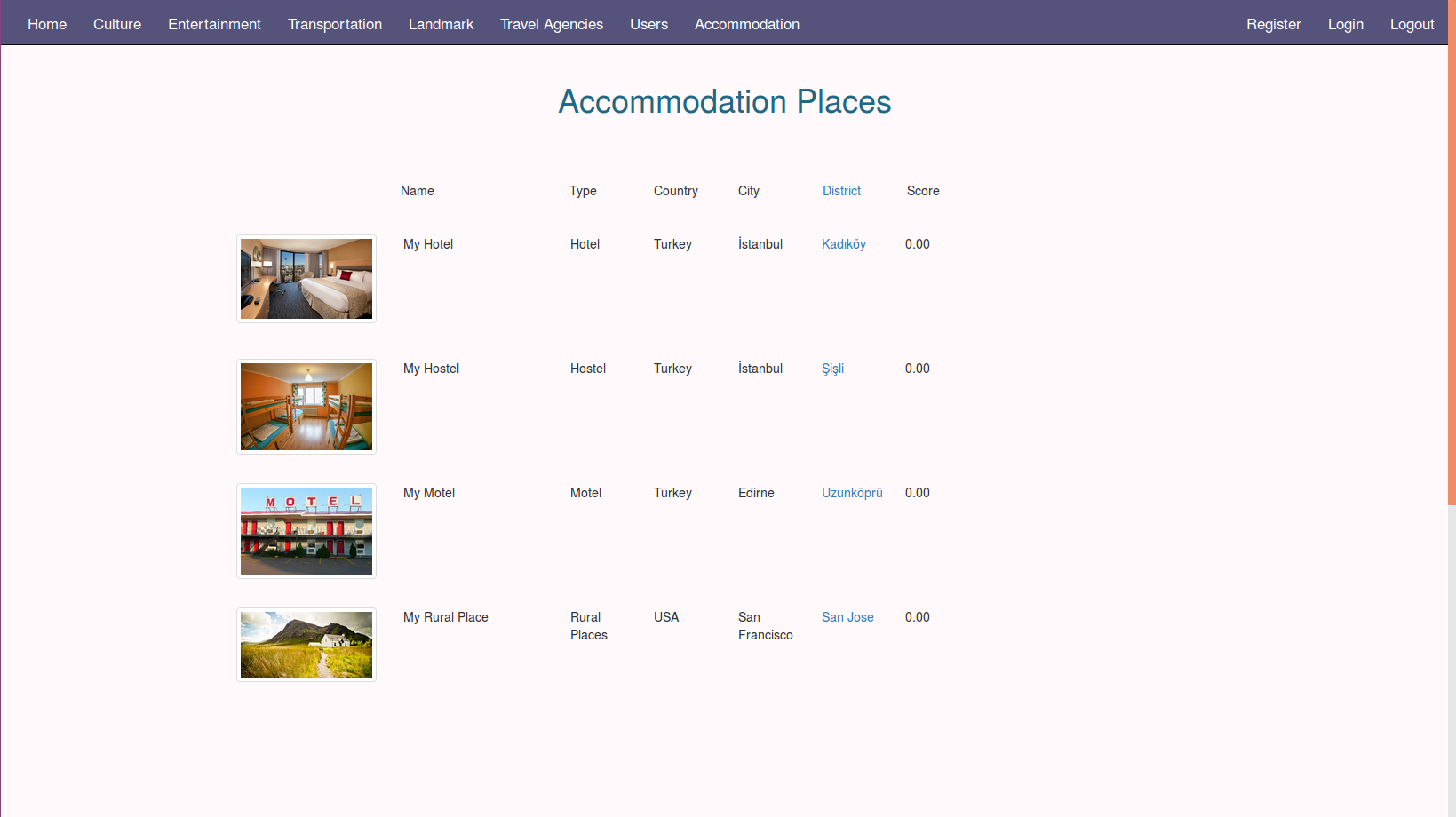
Accommodation Main Page
1.3.2 Details Page
In details page; information about accommodation places are revealed. Also updating all the information about the selected accommodation place can be done here.
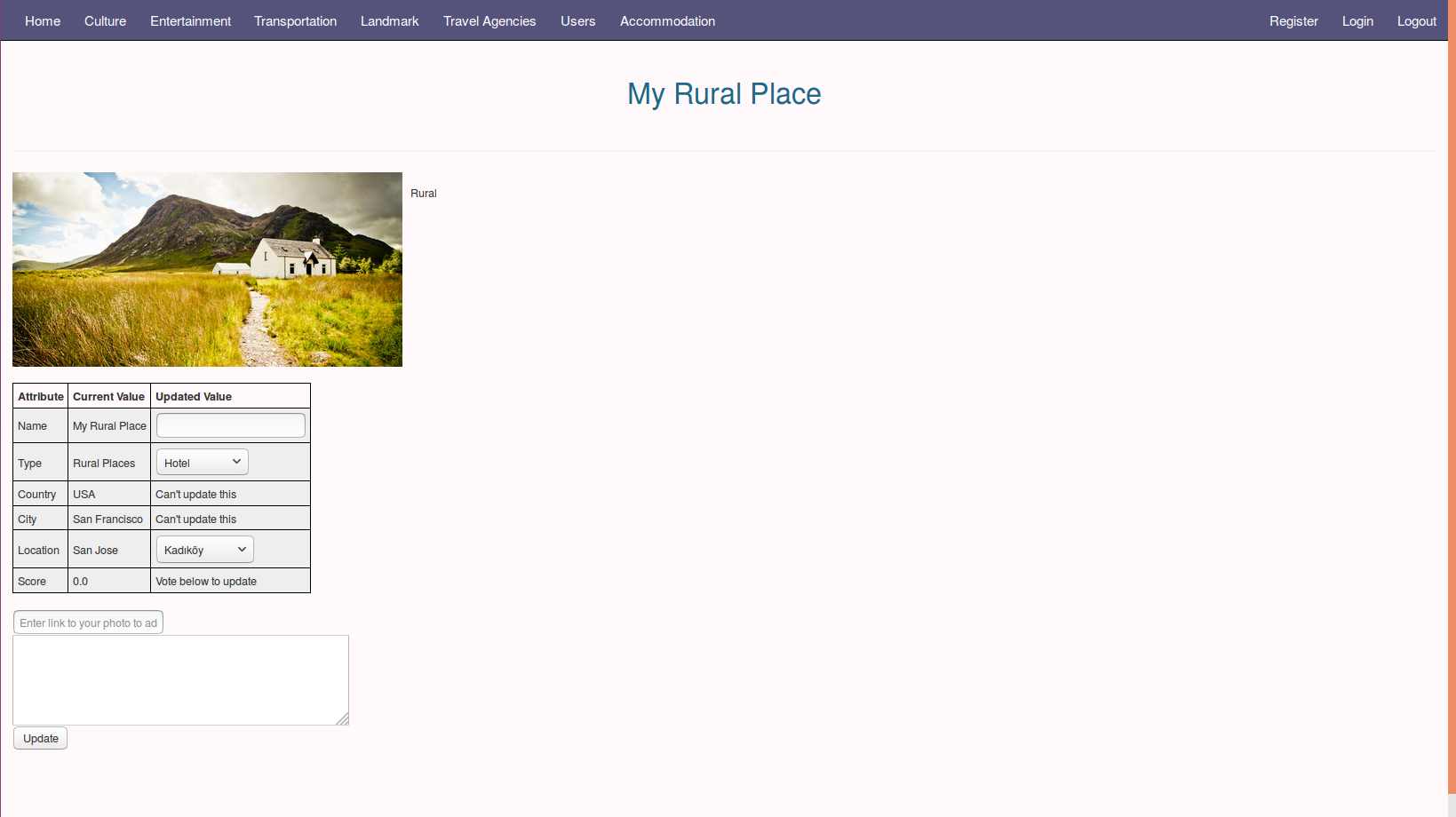
Accommodation Details Page
1.3.3 Voting
In order to reveal voting section, the user must be login in as a registered user of the site.
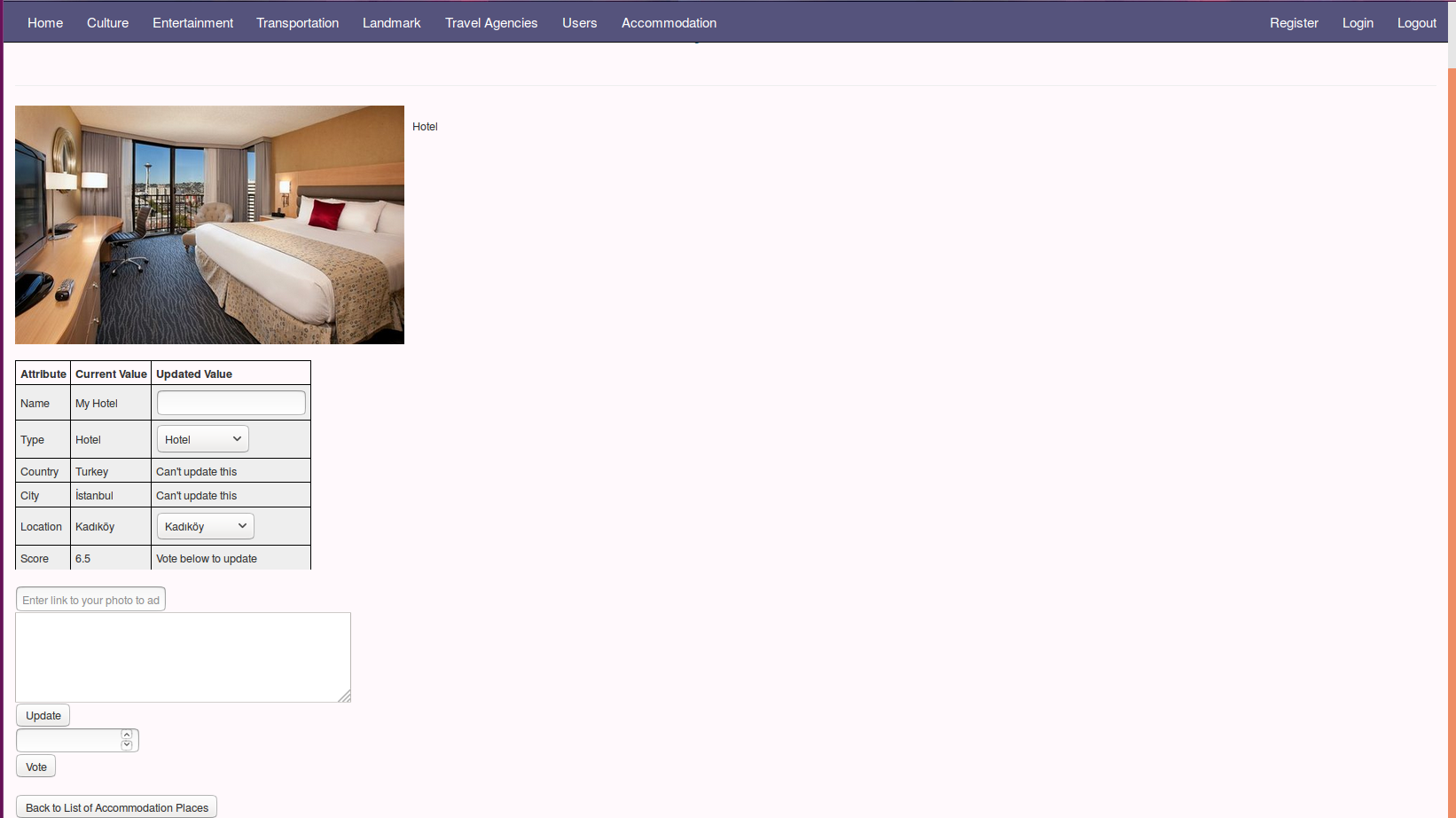
Accommodation Voting System
2 Admin Perspective
Admin can add and delete any entry from main page interfaces, to update he/she must be in details pages
2.1 Activities Page
In order to insert an activity the admin must provide a name, other columns are optional
To delete wanted activity should be selected by the radio button, then remove selected button should be clicked
To delete all rows of the table, the admin can click delete all button at the bottom of this page
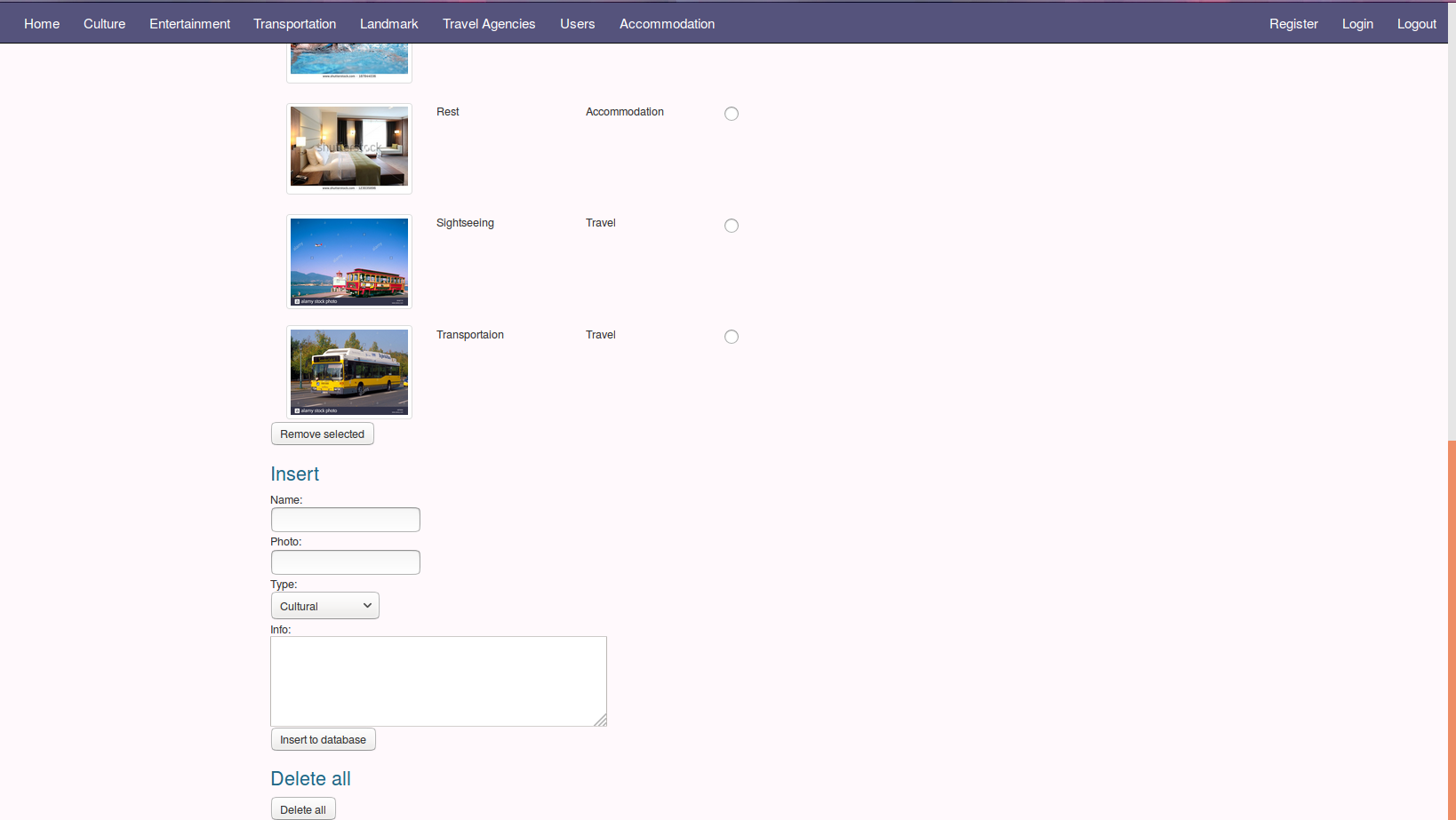
Activities Main Page From Admin Perspective
2.2 Culture Page
In order to insert a cultural place the admin must provide a name, number of votes and the overall score of the place other columns are optional
To delete wanted activity should be selected by the radio button, then remove selected button should be clicked
To delete all rows of the table, the admin can click delete all button at the bottom of this page
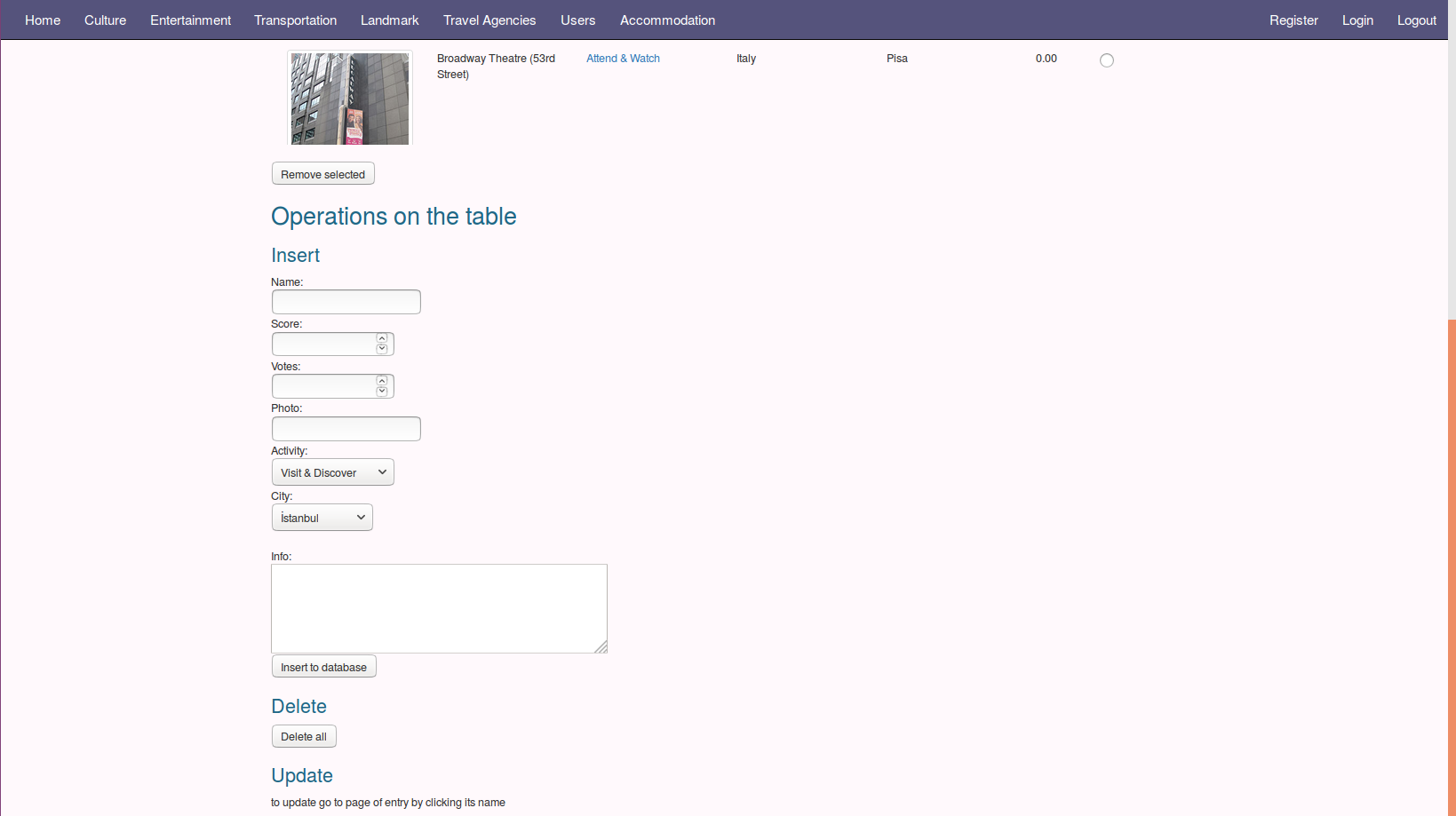
Culture Main Page From Admin Perspective
2.3 Accommodation Page
In order to insert an accommodation place the admin must provide a name, number of votes and the overall score of the place other columns are optional
To delete wanted activity should be selected by the radio button, then remove selected button should be clicked
To delete all rows of the table, the admin can click delete all button at the bottom of this page
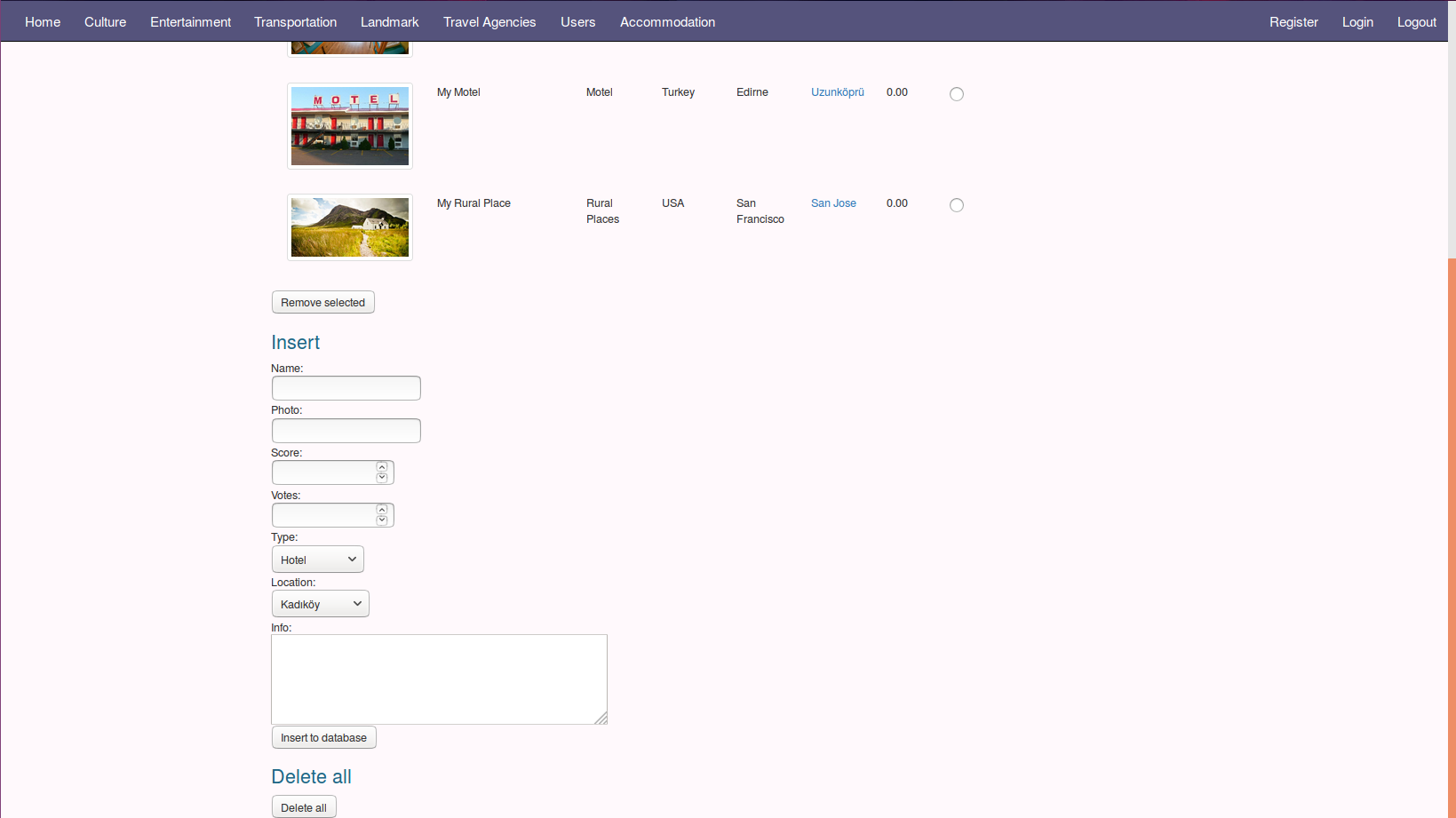
Accommodation Main Page From Admin Perspective